

The Command Center: How to Streamline Talent Requisition Management in Phenom Talent CRM
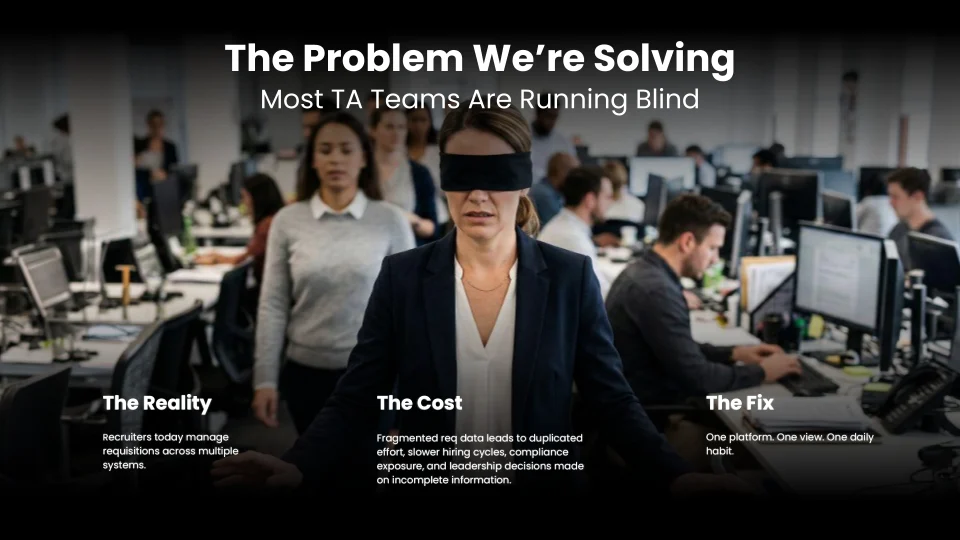
Most recruiting leaders don't have a data problem; they suffer from a lack of visibility and clarity. Data exists everywhere, inside the Application Tracking System (ATS), scattered across spreadsheets, and buried in a Slack thread from two weeks ago. A disorganized requisition load doesn't just slow hiring down. It creates duplicated effort, ownership gaps, compliance exposure, and leadership decisions made on incomplete information, all of which compound quickly in high-volume hiring environments.
Siobhan Lewis, a Customer Value Manager at Phenom, addressed the requisition data deluge directly at IAMPhenom. This blog captures her guidance on how Talent Acquisition (TA) leaders can turn the Phenom Talent CRM into a true command center with all of the steps to get there.
In this Article:
The Cost of Operating without a Command Center
When recruiters manage requisitions across multiple systems, hiring managers go unresponsive, requisitions go stale, and ownership becomes genuinely unclear. The cost of that fragmentation shows up everywhere: duplicated work, slower hiring cycles, inaccurate reporting, and compliance gaps that only surface when it is too late. As Lewis put it, "Think about your busiest week and what those tasks look like — how much time you might be playing detective and following up with people, lots of pings."
The time spent chasing comes directly at the expense of what recruiting leaders and their teams should be focused on, which are building pipelines, evaluating talent, and making decisions that move the business forward. More tools rarely solve this. What changes things is one platform, one view, and one daily habit.
Phenom Talent CRM as Your Single Operational Hub
The Phenom Talent CRM is a single source of truth, providing real-time visibility into every active requisition, candidate movement, and ownership. For TA leaders, that shift means operating less like a firefighter and more like a command center general who sees everything, acts on what matters, and lets the system handle the rest.
Getting there requires a deliberate setup. Here is how to do it.
Step 1: Run a Data Hygiene Audit Before Building
You can’t begin building a capable command center without a solid, and in this case, a clean foundation. Workflows won’t work or flow without this first step. Before configuring automations, conduct a system-wide review to identify gaps in requisition ownership, fix inconsistent hiring statuses, and verify that data flowing in from any integrated HRMS is accurate before it populates the CRM. For example, a data hygiene audit should include:
Verify every requisition has a named recruiter, hiring manager, and accurate location.
Standardize job titles across similar roles.
Confirm hiring statuses in Phenom match your ATS workflow stages.
Hiring status standardization deserves particular attention. If "Recruiter Screening" is a stage in your process, every candidate who reaches that point should be moved there in real time, not retroactively when it’s time for reporting. Inconsistent statuses distort your data and make it far harder to locate actual bottlenecks. While this feels like busy work, this effort is what separates a reliable system from one that only looks organized until it needs to be trusted.
Step 2: Configure Leadership Spotlights for Early Issue Detection
Spotlights are saved searches built from applied filters. For recruiting managers, Spotlights function as an ever-vigilant early warning system, surfacing the right requisitions at the right time without requiring anyone to go looking.
Four Spotlights worth building immediately:
Open jobs are missing AI matching criteria: AI Discovery and Fit Score act like a mini-sourcer within the CRM, but the feature only works when it has been given matching criteria. Refine it further by recruiter or by roles posted within the last two weeks for a more targeted view.
Aging requisitions filtered by location: Any requisitions sitting open for 30 to 45 days without movement are worth investigating. Adding a location filter, like aging Philadelphia requisitions for instance, makes it possible to monitor where roles are stalling and why. Lewis noted that this kind of Spotlight lets leaders "monitor why those roles may have gone stale or where the bottlenecks exist," before they become a reporting problem.
High-volume roles without screening enabled: For roles that would benefit from automated screening but haven't had it activated, this Spotlight catches the gap before it affects throughput.
Reqs without clear ownership: Unassigned or ambiguously owned requisitions are a compliance risk. A Spotlight built around this filter keeps them from disappearing into blind spots.
Once configured, Spotlights carry over when a job is copied, which means you are not rebuilding them each time a similar role opens.
Step 3: Give Recruiters Spotlights Built Around Prioritization
Leadership Spotlights are oriented around risk and oversight, but recruiter-facing Spotlights serve the purpose of cutting through the volume and surfacing the most viable candidates.
Top AI Recommendations uses Fit Score to surface A and B-rated candidates for each open role, so recruiters know exactly where to start without manually reviewing every profile in the pipeline.
Silver Medalists automatically pull in candidates who reached a final round or received a previous offer, keeping warm talent accessible when a similar role opens.
Referrals keep referred candidates organized and visible, which is particularly useful during a focused push.
Company Watch List captures candidates from organizations your team has historically hired well from, routing them directly into the Spotlight as they enter the system.
Taken together, these four Spotlights give recruiters more time for outreach and conversations rather than sorting through noise.
Step 4: Use Automation to Eliminate Manual Follow-Up
Visibility creates clarity, but it also surfaces how much follow-up still happens manually. The next layer is removing that manual work altogether through trigger-based automation.
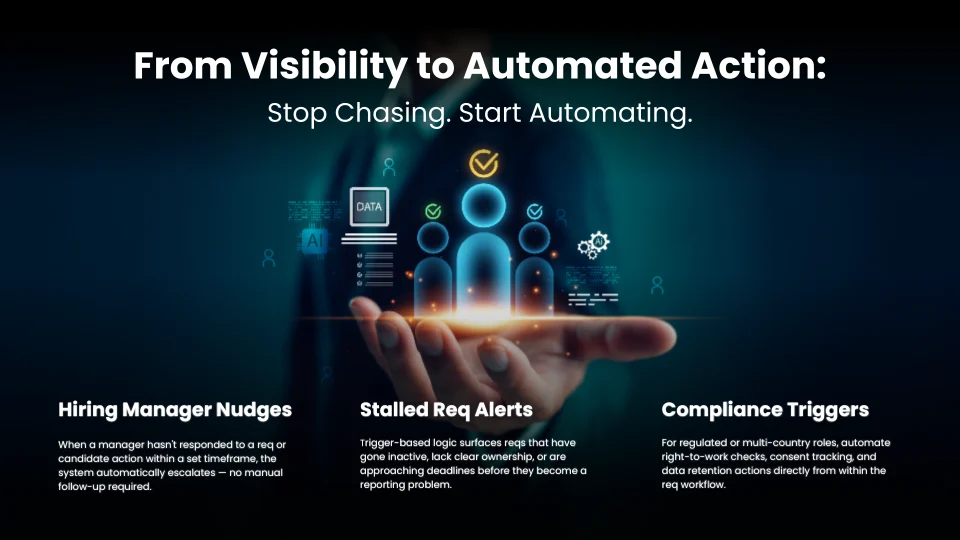
Hiring Manager Nudges: When a manager hasn't responded to a requisition or candidate action within a defined window, the system escalates the issue without anyone having to send a reminder.
Stalled Requisition: Alerts flag requisitions that have gone inactive or lost ownership before they become a reporting issue, rather than after.
Compliance Triggers: This automation takes care of right-to-work checks, consent tracking, and data retention actions for regulated or multi-country roles, all running directly within the requisition workflow.
The payoff is a meaningful shift in how teams operate. As Lewis framed it, "Recruiters can be actually recruiting, spending time with candidates, and TA leaders can be actually spending time on more strategic efforts."
The Hiring Pipeline View
The Hiring Pipeline view visualizes candidate movement across both pre- and post-apply workflows. This powerful view is filterable by stage, giving recruiting managers a real-time read on where things stand for any given role. If this view is not currently visible in your instance, a Customer Value Manager can help get it set up.
Real World Command Center Results
Organizations that have consolidated onto Phenom as their operational hub have seen measurable results across the hiring process:
Metric | Result |
|---|---|
Hiring managers actively using the platform for open roles | +80% |
Reduction in time-to-fill for high-volume roles | Up to 49% |
Overall hiring cycle | Dropped from 50 days to 33 days |
Time to open a new requisition | 90 seconds |
Recruiter adoption rate | 94% |
These numbers reflect what happens when friction is removed at the system level. Recruiters move faster, hiring managers stay engaged, and leaders make decisions from data that is actually current.
Steps to Get Started
Reaching this operational state isn’t a one-time configuration project. It is a set of repeatable habits built on a clean foundation. Below is a checklist to help track progress weekly:
✅ Week 1: Run a data hygiene audit: Correct ownership gaps, standardize hiring statuses, and verify data accuracy across the board before layering anything on top.
✅ Week 2: Operate from a single entry point: Phenom should be where the requisition activity starts and where it lives.
✅ Week 3: Build workflows that surface issues proactively: Spotlights and filters should tell the team what needs attention before anyone has to ask, not in response to a problem that has already surfaced.
✅ Ongoing: Align around one trusted view: Ensure reporting, compliance, and decision-making all draw from the same data, allowing leadership to act with confidence rather than chasing down the latest version of a spreadsheet.
Ready to see where your requisition management stands?
Connect with your Phenom account manager to audit your current setup and build from there.

Devi is a content marketing writer passionate about crafting content that informs and engages. Outside of work, you'll find her watching films or listening to NFAK.


Get the latest talent experience insights delivered to your inbox.
Sign up to the Phenom email list for weekly updates!


